
In the world of music production, MIDI mapping software is like the secret sauce that takes a good track and turns it into a chart-topping hit. Imagine having the power to control every note, every beat, and every sound at your fingertips. It’s like being a wizard in a digital realm where creativity knows no bounds.
But let’s be real—navigating the maze of MIDI mapping can feel like deciphering hieroglyphics without a Rosetta Stone. That’s where the right software comes in, transforming confusion into clarity. With the right tools, anyone can unleash their inner maestro and make their musical dreams a reality. So buckle up and get ready to dive into the world of MIDI mapping software, where the only limit is your imagination (and maybe your coffee supply).
Overview of MIDI Mapping Software
MIDI mapping software serves as a crucial tool in music production, streamlining the process of controlling virtual instruments and effects. It connects hardware controllers, such as keyboards and pads, with software applications for a seamless workflow. Navigating various MIDI parameters becomes more manageable through user-friendly interfaces that prioritize accessibility.
Specific features enhance MIDI mapping software, such as customizable layouts and real-time control. Customization allows users to assign specific MIDI messages to software functions, tailoring their experience to suit individual styles. Real-time control enables instant adjustments during performances, enhancing creativity and spontaneity.
Several software options dominate the market, including Ableton Live, Logic Pro X, and Cubase. Ableton Live excels in live performance scenarios due to its session view, while Logic Pro X offers robust MIDI editing features, ideal for detailed studio work. Cubase stands out for its advanced MIDI capabilities, further solidifying its reputation among professionals.
Pricing varies, with some software available through one-time purchases and others offered via subscription models. Evaluating features against price ensures users select options tailored to their needs. Beginners may gravitate toward entry-level options, while seasoned producers often seek advanced capabilities.
Integration with various devices also plays a vital role. MIDI mapping software typically supports a range of controllers, allowing musicians to choose gear that complements their setup. Compatibility helps ensure that every component in a musician’s arsenal works harmoniously, amplifying creative potential.
Incorporating MIDI mapping software into a music production workflow not only simplifies the learning curve but also encourages artistic expression. Enhanced productivity results from efficient software, equipping users with tools that foster innovation. Through effort and exploration, musicians expand their skills and achieve greater results.
Key Features to Consider
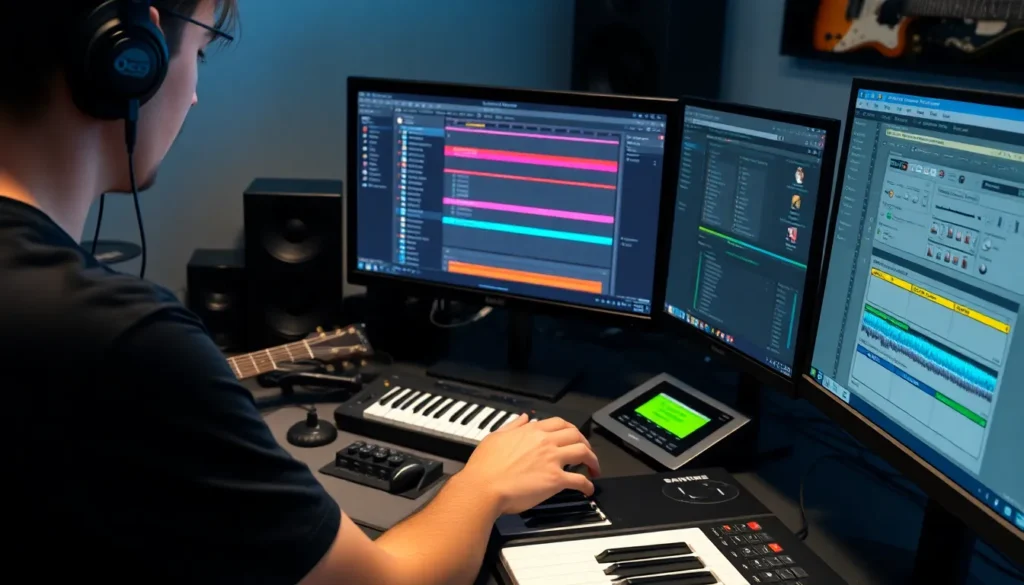
Choosing the right MIDI mapping software requires attention to specific features that enhance the user experience and overall functionality.
User Interface
Easy navigation is crucial in a MIDI mapping software. Intuitive layouts help users find tools quickly, avoiding frustration. Visual representations of MIDI parameters allow intuitive adjustments. Well-structured menus provide straightforward access to various functions. Streamlined workflows increase productivity by reducing unnecessary steps, enabling users to focus on creativity.
Compatibility with DAWs
Seamless integration with Digital Audio Workstations (DAWs) is essential. Compatibility ensures that the software works smoothly with major DAWs like Ableton Live, Logic Pro X, and Cubase. This compatibility provides flexibility when using different setups. Users can easily switch between projects without loss of functionality. Ensuring that MIDI mapping software supports multiple DAWs maximizes creative potential.
Customization Options
Robust customization options enhance user engagement and creativity. Features like customizable key mappings allow users to adapt the software to their unique preferences. Custom control layouts enable tailored workflows that match individual production styles. Users appreciate the ability to save and recall presets for quick access. Flexibility in settings allows for adjustments specific to various projects, ensuring optimal workflow.
Popular MIDI Mapping Software
Several options exist in the landscape of MIDI mapping software, each offering unique features that cater to various production needs. Below are some of the most recognized choices.
Software 1: Features and Benefits
Ableton Live stands out for its intuitive interface and powerful workflow. Users appreciate its Session View, which allows for real-time MIDI control during performances. This software supports a wide range of hardware controllers, enabling seamless communication. Extensive MIDI mapping options let users configure devices effortlessly. Additionally, integrated effects enhance creative possibilities, making it a favorite among live performers.
Software 2: Features and Benefits
Logic Pro X delivers a comprehensive suite of tools ideal for MIDI mapping. Its smart controls simplify the manipulation of multiple parameters at once. Users benefit from a vast library of sounds and MIDI effects that enhance creativity. The software’s compatibility with external devices allows for flexible setups in various environments. Moreover, the robust customizability supports tailored workflows, appealing to both beginners and seasoned producers.
Software 3: Features and Benefits
Cubase offers powerful MIDI editing capabilities that appeal to detailed-oriented producers. Its Key Editor provides a visual approach, making it easier to tweak notes and velocities. Users also gain access to advanced MIDI effects that can transform sound in innovative ways. Support for multiple controllers enhances control over software functions. The software’s compatibility with various operating systems ensures broad accessibility for all users.
How to Choose the Right MIDI Mapping Software
Choosing the appropriate MIDI mapping software requires consideration of several key factors. Start by evaluating the user interface; an intuitive layout simplifies navigation and enhances the overall experience. Compatibility with major Digital Audio Workstations (DAWs) is critical, ensuring seamless integration and streamlined workflow.
Customization options significantly influence creativity and engagement. A software that allows users to tailor controls and layouts to their preferences often leads to a more satisfying experience. Assess the available features against personal production needs. Features such as real-time control, support for various hardware controllers, and advanced MIDI editing capabilities enhance functionality.
Examine the pricing models of selected software. Some programs offer one-time purchases, while others utilize subscription plans. Analyze the costs in relation to features provided to identify the best value. Popular software solutions vary in pricing, catering to both beginners and experienced producers.
Performance requirements also matter. Confirm that the software performs reliably on the desired hardware, as sufficient processing power ensures smooth operation during sessions. Reading user reviews offers additional insights into performance and functionality, reflecting real-world experiences from other producers.
Considering the intended use is essential. Whether for live performances or studio productions, specific software excels in particular environments. Ultimately, prioritizing these factors will lead to selecting MIDI mapping software that meets individual needs, fostering creativity and enhancing musical expression.
MIDI mapping software serves as an invaluable resource for musicians and producers looking to elevate their creative process. By simplifying the connection between hardware and software, it empowers users to fully explore their musical ideas without unnecessary complications. The range of options available ensures that there’s a suitable choice for everyone, whether they’re just starting out or are seasoned professionals.
Investing time in selecting the right MIDI mapping software can lead to significant improvements in workflow and productivity. With the right tools at their fingertips, artists can focus on what truly matters—creating music that resonates. Embracing MIDI mapping software not only enhances technical capabilities but also fosters a deeper connection to the art of music production.